Quantity:
Introduction:
This script is mainly used for project packaging and search for missing footages with one-click, which greatly improves the user's work efficiency. In addition, users can customize the classification of the footages and package the project based on this classification. It’s easy and quick to sort projects.
Installation Environment:
Support: Fusion 8, Fusion 9.0.2, Fusion Studio 9.0.2, Fusion 16
Python script needs to be installed. Please install it according to the Fusion version. (If you have already installed, you don't need to repeat the installation):
python3.6: Applicable to Fusion9.0.2
python3.3: Applicable to Fusion8
Function Description:
1: Users can manage the footages within the project, that is, create a folder, move the footages, etc. The project will be packaged based on the newly created classification.
2: When faced with a lot of missing footages, users only need to click "recover lost footage", this script will automatically create a new project file that has been connected with footages.
3: Lock and unlock all nodes in the project with one-click.
4: Centrally manage the footages, and quickly check whether the paths of the footages are correctly linked and whether they are relative paths.
5: Quickly check the fonts used in the project, Fuse, Marco.
Installation Method:
Put this script into C:\Users(Username in your computer)\AppData\Roaming\Blackmagic Design\Fusion\Scripts.
Instructions for use:
After installation, open fusion and find the script in the scripts menu.
Note:
When you use the cut method to sort the project, please pay attention to whether the paste is successful, otherwise the footages will be missed.
Fusion Script | Archive Engineering
Quantity:

Blender Addon | SpeedTree Import Helper
Hi everyone, SpeedTree_Import_Helper is an addon for importing assets made by Speedtree into Blender. It can read stmat files and support the simultaneous batch import of files in ABC, FBX, and OBJ f...
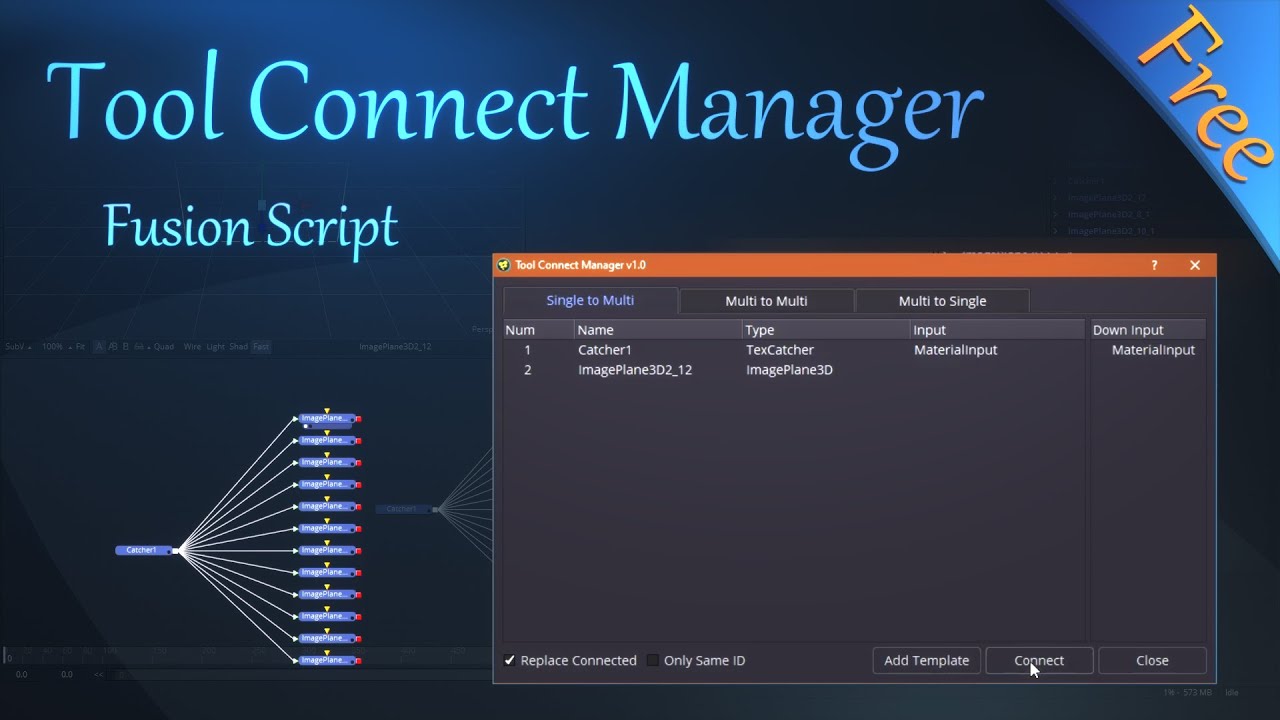
FREE Fusion Script | Tool Connect Manage
Hello everyone! This is a free script for connecting nodes in batches. It can be used to connect a large number of nodes in batches by “one node connecting to multiple nodes”, “multiple nodes c...

Blender Addon | 3D Hair Brush - Support New Hair System | Vfx Grace
3D Hair Brush is a powerful hair brush tool. Its 3D brush can distinguish complex muscle surface of models and provide artists with a wonderful experience of grooming hair styles in Blender.
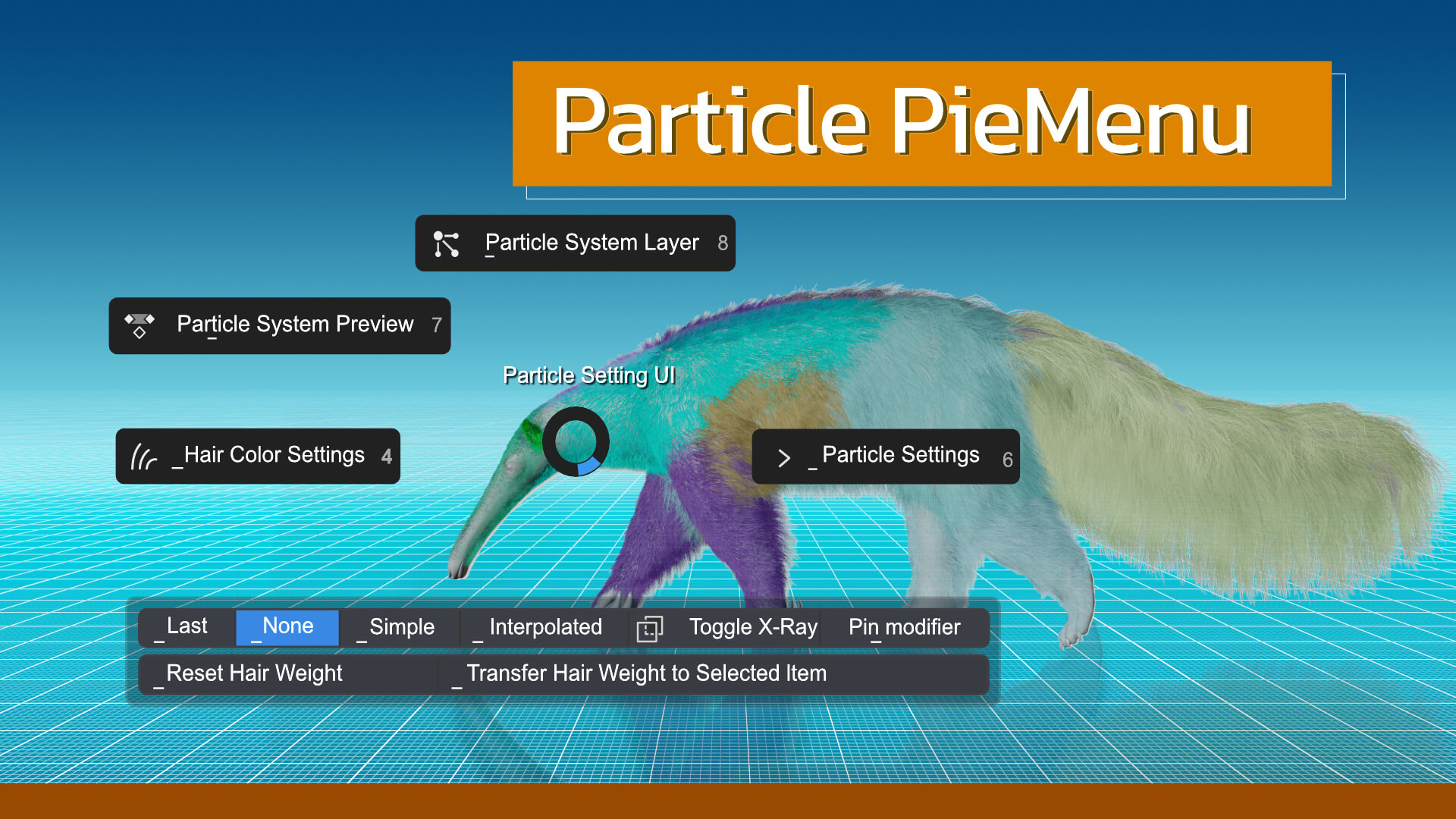
Blender Addon | Particle Pie Menu | VFX Grace
Particle_Pie_Menu is a handy add-on for hair editing. With all options in the pie menus, you can easily edit the particle systems in any mode, greatly improving your productivity. In Object Mode, you ...
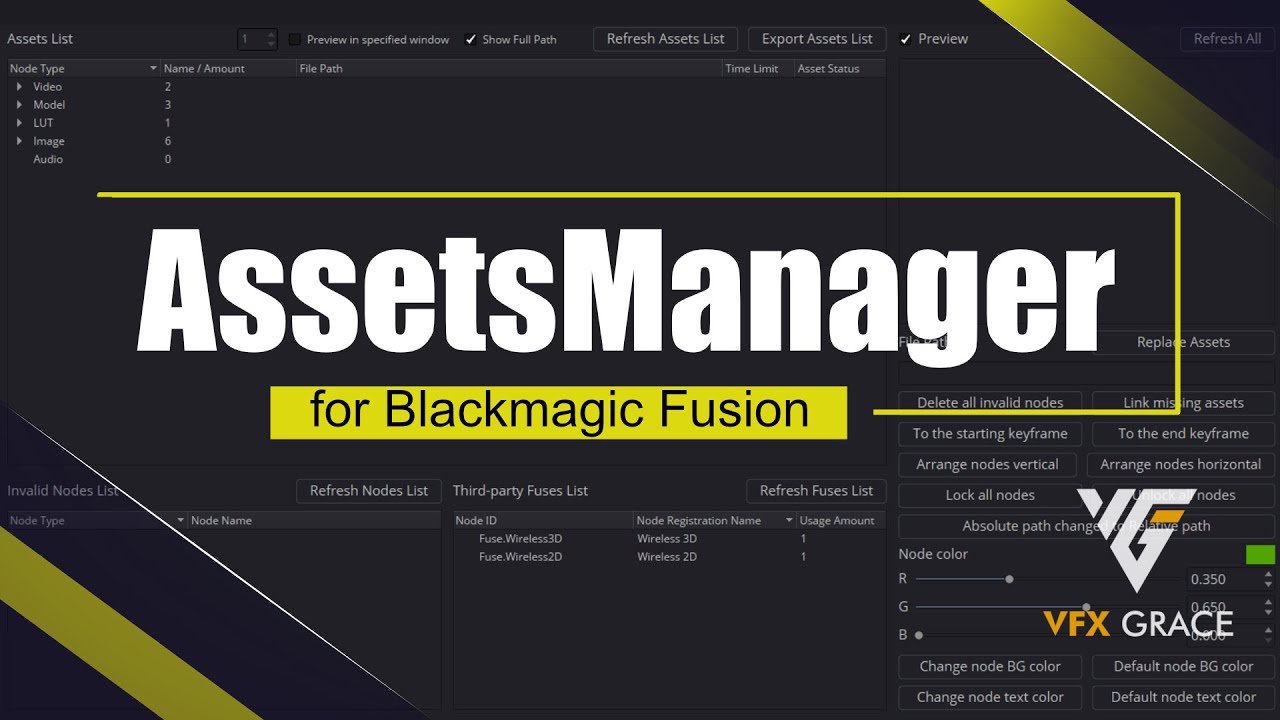
Fusion Script | AssetsManager
AssetsManager_v1.5 (Update 20200101) AssetsManager_v1.5 can help you search, edit and replace materials more easily and clean ineffective nodes and also lock and unlock nodes. What’s new about t...

Reviews
There are no reviews yet.
Only logged in customers who have purchased this product may leave a review.